
9 tools for this work
Scannable codes, tap-to-call links and tracked URLs. PNG and SVG, print ready. Free QR code, link and social preview tools
Every code here is generated in your browser, not by somebody else's server, so nothing you encode leaves your machine and a code inside an embed keeps working no matter what. You get the error correction level, the quiet zone, a contrast check, and both PNG and vector SVG download.
Every tool is free to run without creating an account.
Who this is for
Anybody printing a sign, a menu, a flyer, a business card, a job site notice or a table tent.
What usually goes wrong
- Codes get printed too small, too low contrast, or with no quiet zone, and then will not scan.
- Links go out with no tracking, so nobody knows which flyer or ad actually worked.
- The Wi-Fi password gets read out loud to every guest.
- A phone number on a website is typed by hand instead of tapped.
9 tools worth running
Start here
The ones most people in this work should run first.
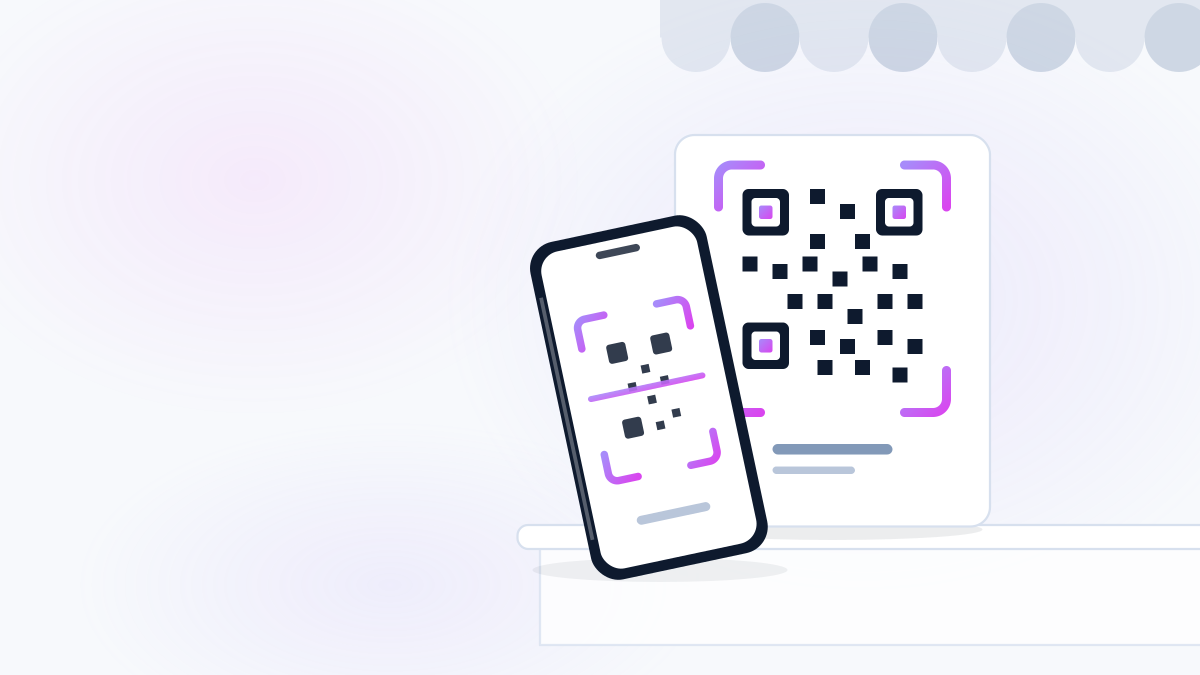 FreeWebsites and DigitalQR toolQR Code MakerAny link, printable in ten secondsMake a QR code for your website, booking page, menu, review link, payment page or anything else. Free, no watermark,...Make it now
 FreeSales and MarketingQR toolGoogle Review Link + QR MakerOne tap to your review pageTurn your Google Business Profile into a direct review link and a printable QR code. Put it on receipts, counters, i...Make it now
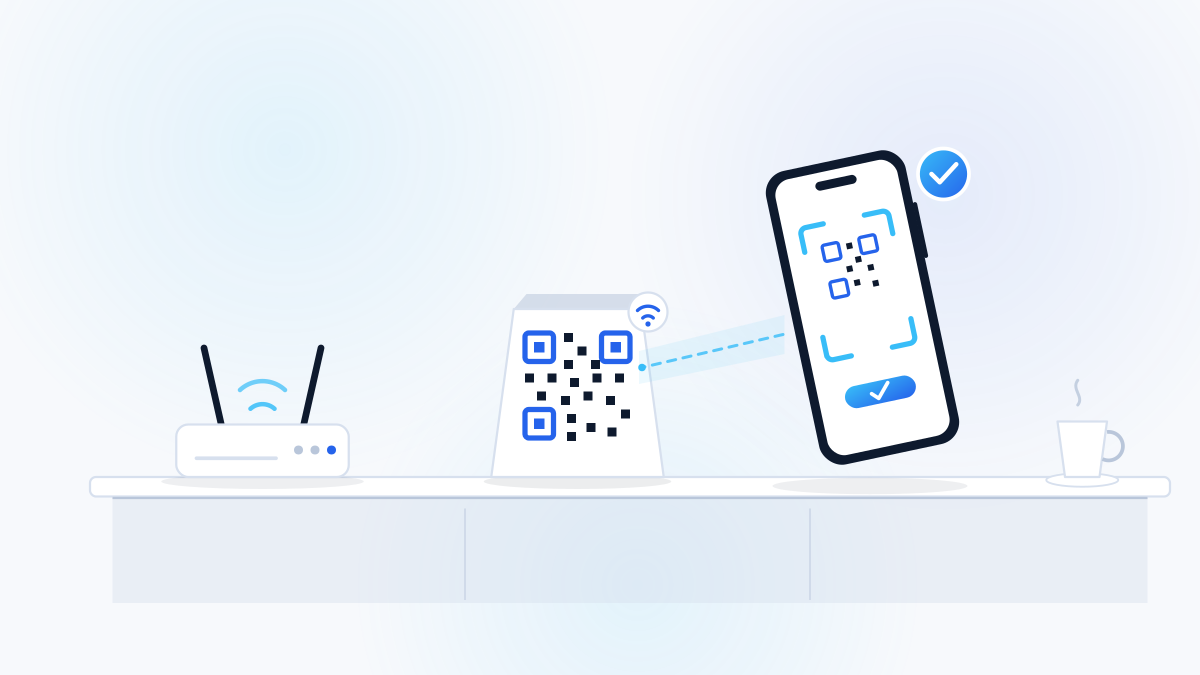 FreeWebsites and DigitalQR toolWi-Fi QR Code GeneratorStop reading your password out loudPrint one card for the lobby. Customers scan it and join your guest network without anybody spelling a password.Make it now
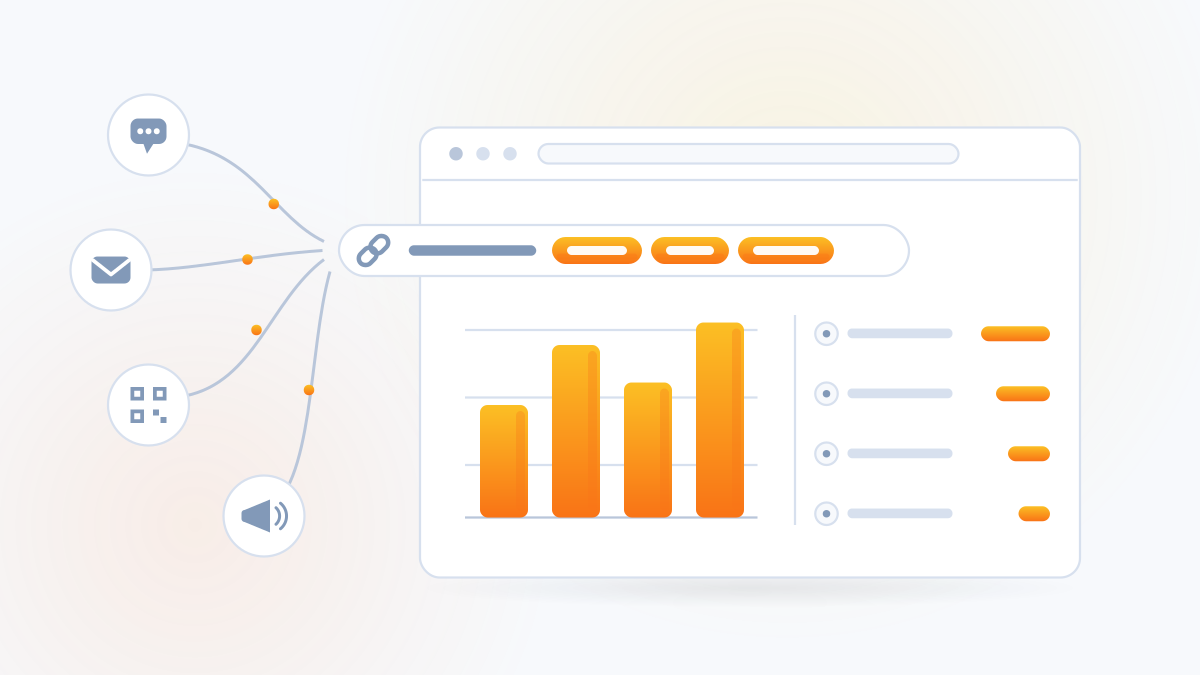 FreeSales and MarketingLink toolUTM Link BuilderKnow which ad actually workedTag your links so your analytics can tell you which post, ad, flyer or email brought the customer. Free, and it take...Build it now
Sales and follow-up
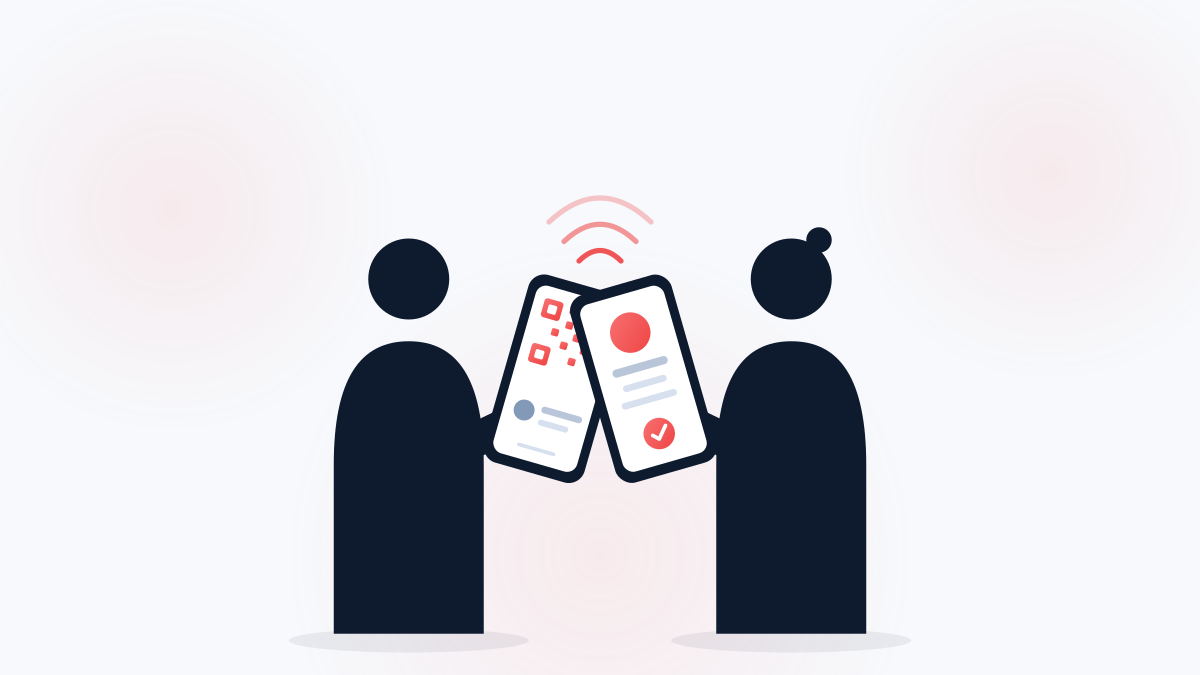 FreeSales and MarketingQR toolDigital Business Card MakerThey scan it, you are in their phoneBuild a contact card file and a QR code. One scan drops your name, number, email and website straight into their con...Make it now
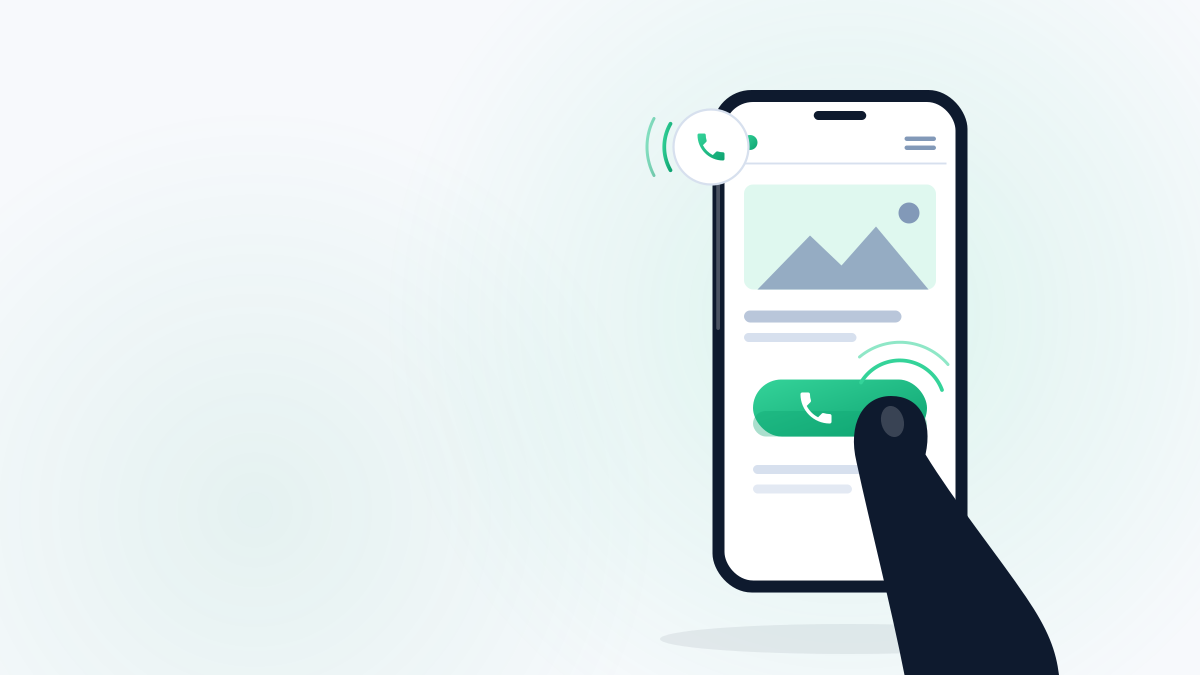 FreeWebsites and DigitalLink toolClick-to-Call Button BuilderOne tap to your phone, on any websiteGenerates the HTML for a tap-to-call button you can paste into any website. Works on WordPress, Wix, Squarespace, Sh...Build it now
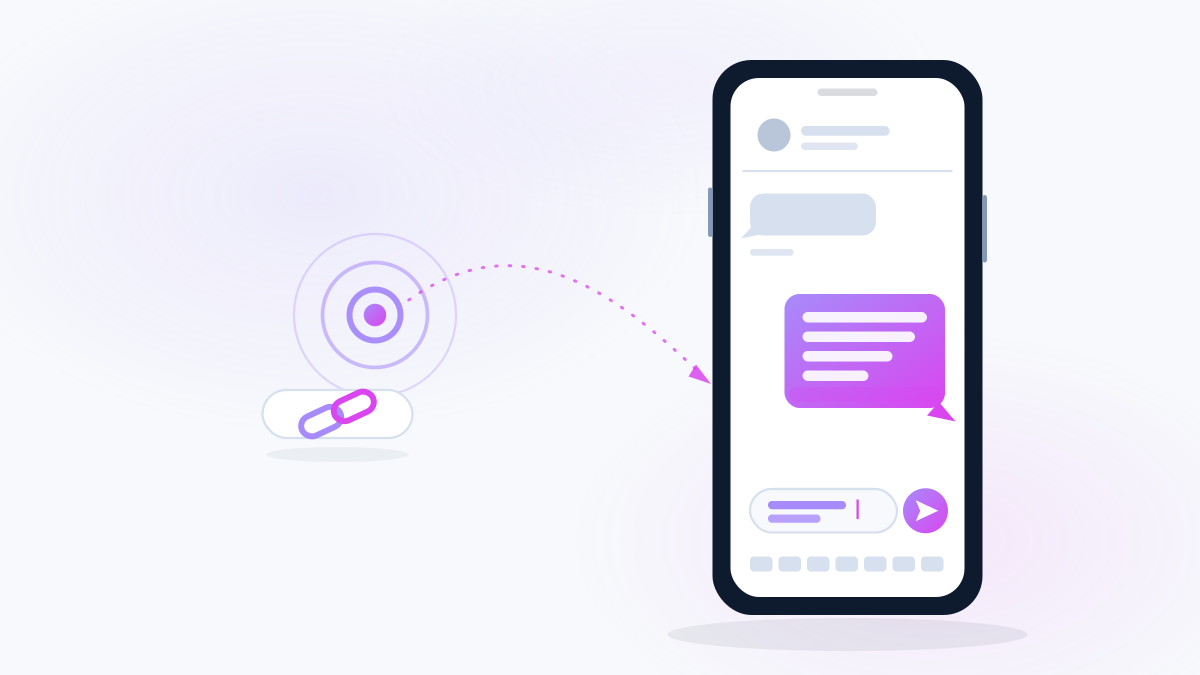 FreeWebsites and DigitalLink toolText Message Link GeneratorA link that opens a text, already writtenMake a link that opens the customer's messaging app with your number filled in and the message pre-written. Perfect ...Build it now
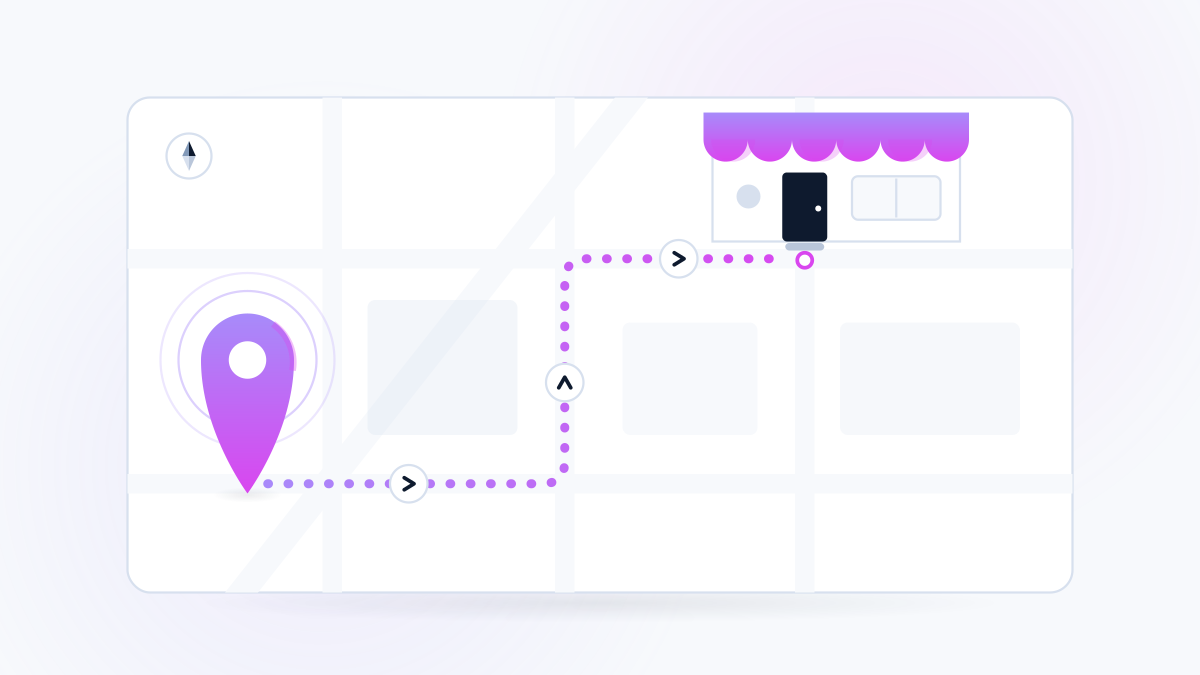 FreeWebsites and DigitalLink toolDirections Link GeneratorOne tap and they are driving to youMake a link that opens turn-by-turn directions to your shop in whatever map app the customer already uses. Plus a QR...Build it now
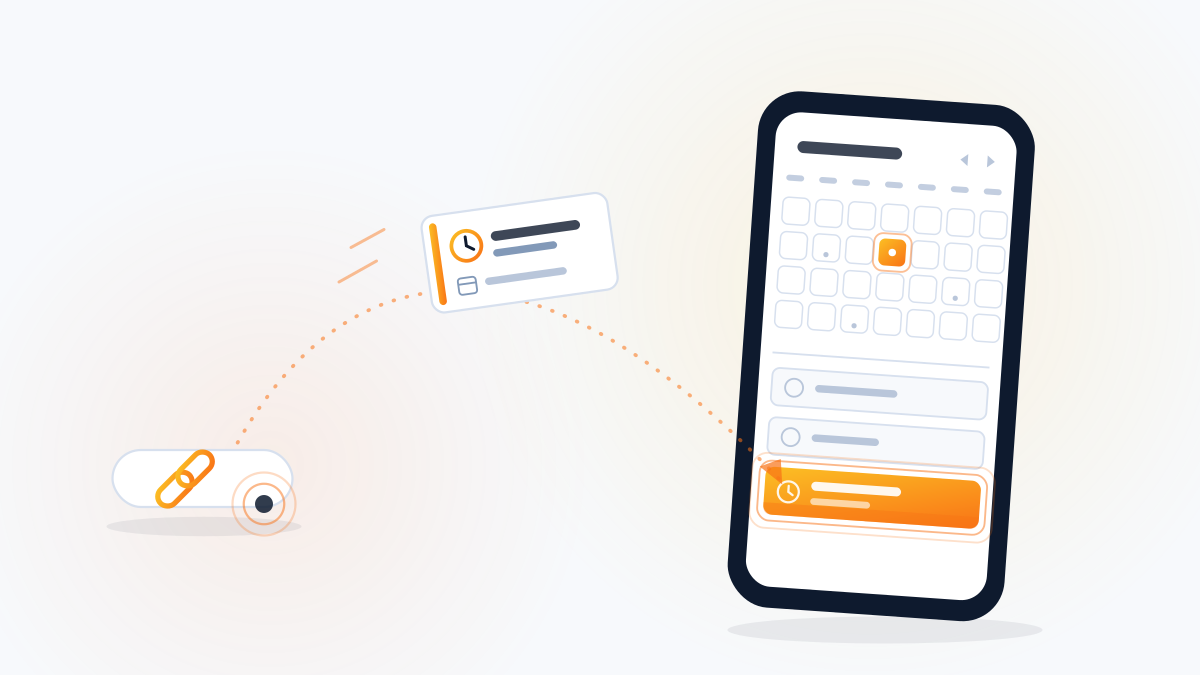 FreeWebsites and DigitalLink toolAdd-to-Calendar Link MakerPut your event on their calendar in one tapGenerate an add-to-calendar link and a downloadable calendar file for an appointment, class, open house or event.Build it now
Questions people ask
Do these codes expire or need an account?
No. These are static codes. The information is encoded directly into the pattern, so the code works forever and does not depend on this site staying up.
Why does the quiet zone matter?
The blank margin around a code is what lets a scanner find its edges. Below about four modules, phones start failing to lock on, and a designer trimming that margin is the single most common reason a printed code does not work.
PNG or SVG?
PNG for screens and office printing. SVG for anything a sign shop or printer produces, because it is vector and stays sharp at any size.
The tools show the leak
Fixing the connected system is the other half.
A code is only useful if the page behind it converts. That page is the part worth building properly.