
01
Plan the message
Answer one question your customer already asksUse ChatGPT to turn what you know into a clear topic and a script you can read out loud without sounding like a robot.
You leave with something useful to say.
02 Operator Academy
Make videos the way I make mine.
I show you the same process I use to plan, script, record, edit, and post business videos. You finish with a clear offer, thirty video ideas, ten ready to read scripts, a recording setup you can repeat, and a simple way to send viewers to your website, form, or checkout.
What the three words actually mean
That is Content, Attention, and Action in plain English. Click one of the three words above and it lands here so you can see the job that part of the system does.
Use ChatGPT to turn what you know into a clear topic and a script you can read out loud without sounding like a robot.
You leave with something useful to say.Record on your phone or computer, make the edit as simple as it needs to be, and post it to your website, social media, or both.
The right people get a chance to see it.Send the interested person to one page, phone number, form, article, appointment, or checkout instead of leaving them at a dead end.
The customer knows where to go.Try a simple ten video example
This does not predict your result. It shows the path so you know which numbers to watch.
5,000views across 10 videos
100possible page visits
5.0possible buyers
$635possible revenue in this example
If the ten videos receive 5,000 total views, and 2% visit your page, about 100 people reach the page. If 5% buy at $127, that is 5.0 possible buyers and $635 in possible revenue.
Planning scenario only. This is not a revenue or conversion guarantee. Your market, offer, traffic quality, proof, and execution determine the actual result.
Built from the work
The breakthrough was not a new camera. I had the topics, scripts, Teleprompter, backgrounds, file names, and customer destination ready before I pressed Record.
This course shows another business owner how to follow that same process with the phone, laptop, camera, and microphone they already have.
I did not have to stop and make another decision between every video.
The operating loop
Plan it, record it, post it, check what happened, and use the proof to make the next ten better.
Tell ChatGPT what you sell, who needs it, and what question the video should answer. Leave with topics and scripts that sound like you.
Put the script in Teleprompter. Record on your phone or in QuickTime with the camera and microphone you already have. Add a background only when it helps.
Cut the beginning and end, add captions in CapCut, and ask ChatGPT for the shorter post. Publish to your website, social media, or both.
Check the numbers that match the video's job. Look at watch time, page clicks, forms, calls, checkouts, and sales instead of guessing.
Compare the videos. Keep the hooks, topics, and calls to action that worked. Give that proof back to ChatGPT and build the next ten.
Take what worked back to ChatGPT. Build the next ten from proof.

Teach it on screen
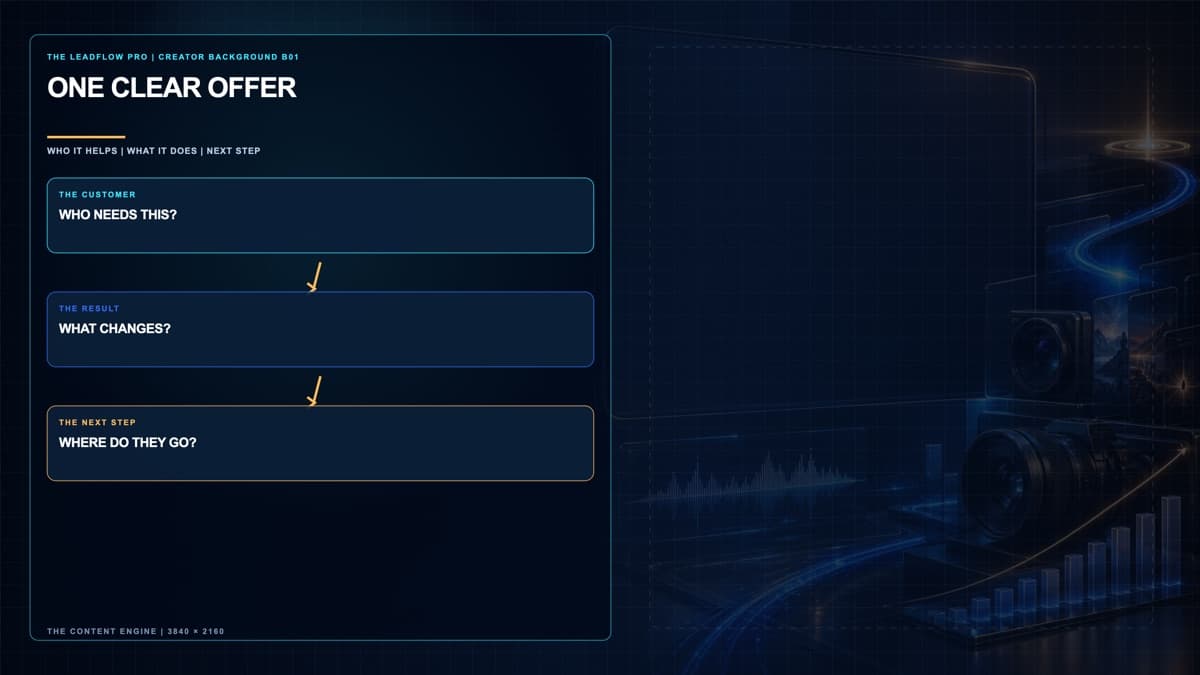
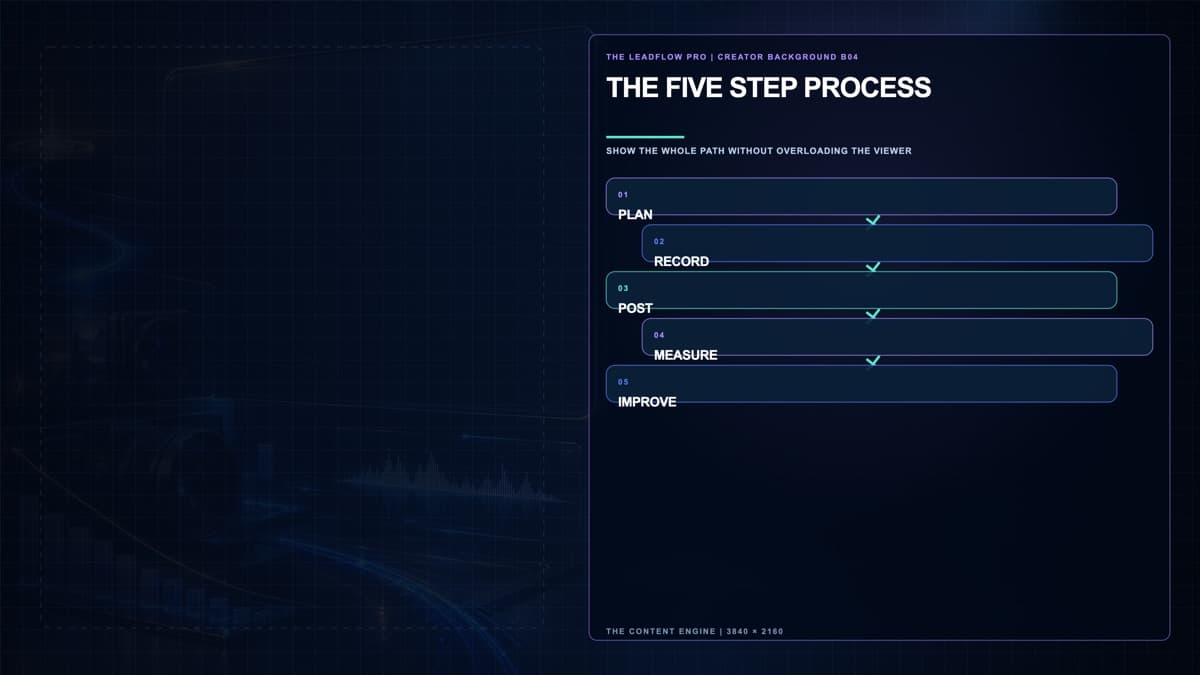
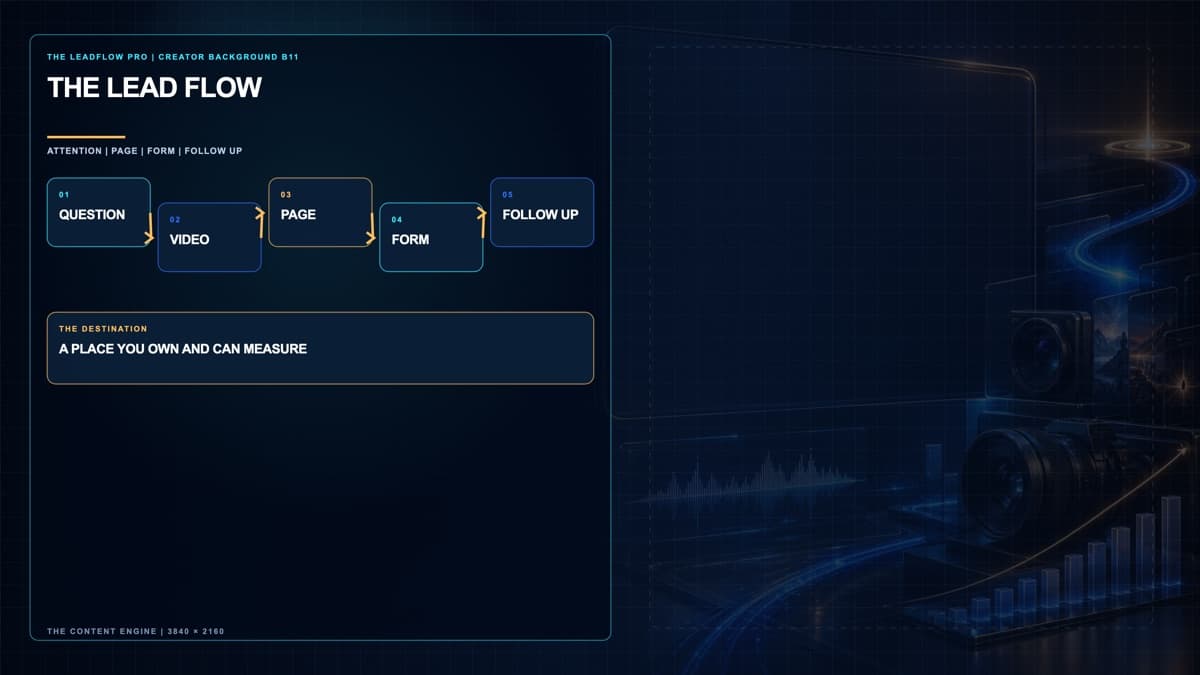
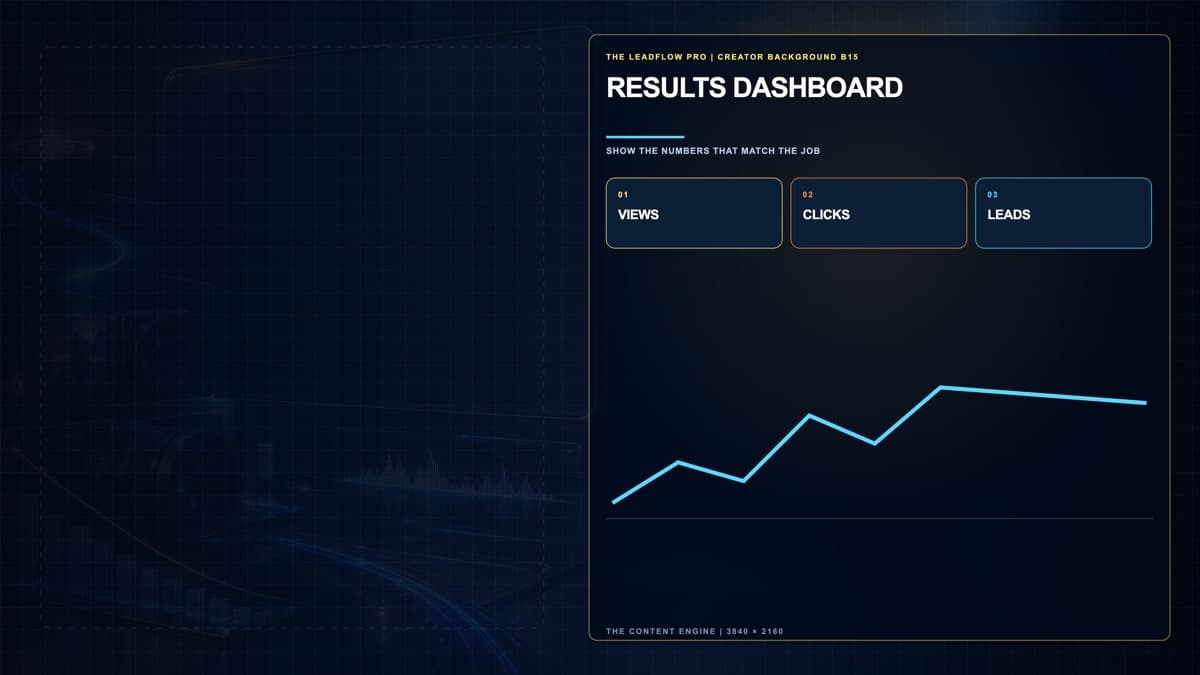
These examples show how a teaching background can give your words room to breathe. The written lessons and workbook help you plan the shot and keep the message clear. Use a background only when it helps your viewer understand the point.
Teaching examples
Six examples from our production workspace. These are visual previews; the current learner download is the printable workbook.
What you finish
Inside the engine
Explain what you sell in one clear sentence and decide where each viewer should go next.
Turn real customer questions, mistakes, and stories into thirty different video ideas.
Use ChatGPT to help write ten scripts that are clear, useful, and still sound like you.
Load Teleprompter, record on your phone or computer, and make a clean CapCut edit.
Post the video, send viewers to a clear next step, measure what happened, and make the next ten better.
Straight answer
No guaranteed views, leads, sales, search rankings, income, jobs, or viral results.
ChatGPT, Teleprompter, QuickTime, CapCut, cameras, microphones, and paid tool accounts are separate from the course.
This is a private LeadFlow Pro course completion credential issued by Longview Training Center LLC. It is not a degree, professional license, accreditation, state or federal certification, promise of employment, or guarantee of business results.
This is a self-guided written course. Access includes twelve lessons, the downloadable workbook, twelve assignments, lesson checks, and the final assessment. Use the lessons to plan and produce your own videos. Course videos and a downloadable background pack are not part of the current delivery.
Keep going after this course
Separate Google training and certification paths for Search, Video, Display, and Measurement.
Open official source HubSpot AcademySeparate HubSpot certification paths in social media, digital marketing, content, advertising, and revenue operations.
Open official source United States Bureau of Labor StatisticsOfficial occupational requirements, wage data, and outlook for market research analysts and marketing specialists.
Open official sourceUse the process I use
Know what to say before you press Record. Know where the customer goes before you press Post.
Already purchased? Log in to continue.