
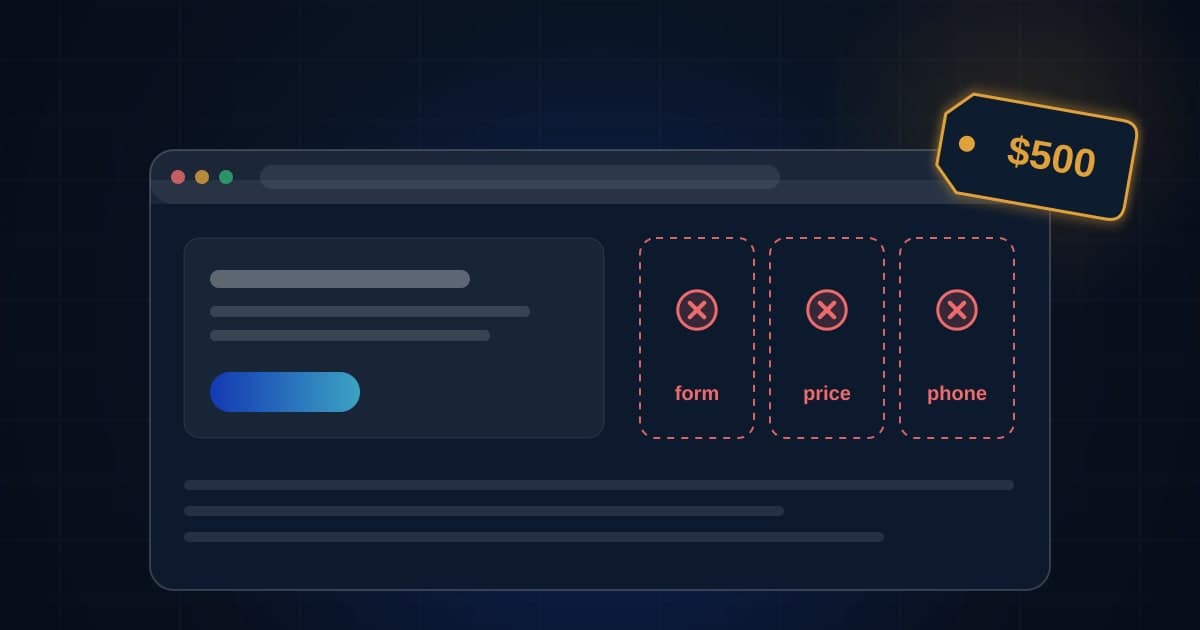
I have sold $500 websites. I have also been hired to clean up after them, sometimes the ones I sold. So this is not a lecture from someone who never took the cheap job. It is what the cheap job turns into, on both sides of the invoice.
What $500 buys
A template. Your logo and colors on it. Five pages: home, about, services, gallery, contact. Launched in a week or two, often on a builder with a monthly plan on top of the $500.
What a $500 website usually includes, and what it usually does not
From the cheap sites we have built and the ones we have been hired to fix. Our experience, not a survey.
Almost always included.
Often it is the template's words with your name swapped in.
The most common silent failure. Fill it out yourself the day it launches.
Rare, because nobody asked the owner for one.
Almost never. It was not in the quote.
| Item | Value |
|---|---|
| A template, your logo and colors, five pages | Almost always included. |
| Your photos and your words on the pages | Often it is the template's words with your name swapped in. |
| A contact form that lands somewhere a human checks | The most common silent failure. Fill it out yourself the day it launches. |
| A price or a range a customer can find | Rare, because nobody asked the owner for one. |
| A text-back or any follow-up when someone reaches out | Almost never. It was not in the quote. |
Illustrative arithmetic only. Source: our own builds and cleanups. The bar lengths are our rough sense of how often each item shows up, not measured percentages, which is why there are no numbers on them.
Look at the bottom three bars. The form, the price, and the follow-up are the parts of a website that turn a visitor into a phone call, and they are the parts a $500 build almost never has. Not because the builder is dishonest. Because they were not in the quote, and at that price there is no room to add them.
The three things that are never in the quote
Where the form goes. The single most common defect we find on a cheap site is a contact form that sends to nobody: an old email, a spam folder, a builder notification that was never turned on. It looks perfect. Customers fill it out. Nothing happens. The owner concludes the website does not work, which is true, but not for the reason they think.
A price. Nobody asked the owner what things cost, so the services page says "contact us for a quote." Every customer who wanted a number before calling went to the competitor who published one. We wrote about why that matters more now in how to get ChatGPT to recommend your local business: machines cannot summarize "call for pricing" either.
What happens next. A customer fills out the form at 2 PM on a Tuesday. The owner is on a job. The form email arrives at 2:01 and gets read at 9 PM. By then the customer has talked to someone else. A text-back and a call queue fix that, and they cost about as much as the site did, which is why they are never included.
What it costs later
What two years cost with each kind of site
A worked example for a service business that gets 20 inquiries a month from its website.
This is the line that makes a cheap site expensive.
The one-time build you keep, plus $20 a month of hosting.
| Item | Value |
|---|---|
| The $500 build, plus a $25 builder plan for 24 months | $1,100 |
| Inquiries lost to a form nobody receives: 2 a month, 1 in 4 closes, $900 job, 24 months | $10,800 |
| A site you own with capture and follow-up built in, plus hosting | $4,480 |
Illustrative arithmetic only. Source: arithmetic in this article. The inquiry counts, close rate and job value are practice numbers. Replace them with yours.
Practice numbers, and the chart says so. But the shape is the thing. The cheap site is cheap. The leaks are not. Two inquiries a month lost to a dead form, at a one-in-four close and a $900 job, is more money in two years than any website we have ever quoted. And that is one leak.
When cheap is the right call
You are new and need an address. Your Google Business Profile needs a website. A fast five-page site with a phone number and real hours is better than nothing, as long as the form goes to a phone you check. Buy it, and plan the real build for when the jobs are coming in.
You already own the system. If calls and forms already land in a lead list with a text-back and a daily call queue, the website just has to point at it. A clean, fast, cheap site in front of a good system is a fine setup. The system is where the money was all along.
The $500 includes the four things. Fast on a phone. A price or a range on every service. A form you tested yourself. A text button. If a builder will do those for $500, pay them and send them more work.
When cheap is a trap
When the quote is for "a website" and nobody has asked where the form goes, what your prices are, who owns the domain, or what happens when a lead arrives while you are working. That site will look fine and produce nothing, and you will spend the next two years believing websites do not work for your trade.
Score what you have, or what you are being offered, before you decide.
Score the site you have, or the one you are about to buy
Before you spend $500 or $5,000, check what the site actually does. The scorecard walks the things that turn a visitor into a call: speed on a phone, a price or a range, a form that goes somewhere, a text button, the business name and town where a search engine can read them. Score your current site, then score the proposal in front of you.
What to score
Your score
Your fix list, most important first
| # | Do this |
|---|---|
| 1 | Compress images and cut plugins until it loads under 3 seconds |
| 2 | Pick one action and make it the loudest thing on the page |
| 3 | Say what you do and who for, in the first sentence |
| 4 | List the towns you serve, by name |
| 5 | Move reviews above the fold |
| 6 | Replace stock photos with your actual work |
| 7 | Cut the form to name, phone, and what they need |
| 8 | Add hours and service area |
| 9 | Get an SSL certificate, most hosts do it free |
| 10 | Link and claim your Google Business Profile |
| 11 | Add a map and directions link |
| 12 | Add starting-at pricing so you stop quoting tire kickers |
| 13 | Write out the five questions everybody asks |
| 14 | Add texting, most people prefer it |
| 15 | Let people book a time without calling |
| 16 | Update it, an old site reads as a closed business |
| 17 | Fix page titles to include the service and the town |
| 18 | Add basic analytics so you know what is working |
Use the missing items as a review list. Some changes need implementation work; verify that each change fits your business.
Runs in your browser. Nothing you type is sent anywhere.
How to run it, step by step
- 1Open the site on your own phone, on cellular. Not on the office Wi-Fi. Time how long until you can read the headline. Scroll to find a price and a way to contact you. The scorecard asks about what you actually saw, not what the designer promised.
- 2Check each box only if it is true today. If the form exists but you are not sure where it sends, leave the box empty and go fill it out yourself. A form nobody receives is the most common defect in a cheap site and it looks fine from the outside.
- 3Score the proposal the same way. Take the quote you were given and ask which boxes it would check. A site that checks the speed, price, form and phone boxes for $500 is a good deal. One that checks only 'looks nice' is a brochure.
How to read what it gives you
- The score is not a grade on the design. It is a count of the jobs a website has to do before it earns its keep. Design is one of them, not all of them.
- Any miss on the form, the phone, or the price is a leak that costs more every month than the site cost once.
- If the current site scores well, do not rebuild it because someone offered you a cheaper one. Fix the misses.
The tool is free, it does not expire, and you can put it on your own website if you want it there. Nothing on this page is locked.
Not ready to talk? Browse the rest of the free tools
What we do now, and why
We stopped quoting websites by themselves. We learned it the expensive way: a $500 site turns into $2,000 of unpaid fixes when the owner, reasonably, expects it to produce calls. Now we quote the system: the site, the forms, where they land, the text-back, the call queue, and who owns every account at the end. It costs more than $500 once. It costs less than a rented stack over three years. And the owner keeps it.
We laid out what a full build should cost and why in how much does a small business website actually cost in 2026.
The bottom line
A $500 website is a template with your name on it. That is fine if you only need an address, or if the system behind it is already built. It is a trap if you expect it to bring customers, because the parts that bring customers were never in the price. Check the form, the price, the phone and the follow-up before you buy anything, and if a cheap site has all four, it is not cheap. It is a bargain.
Questions people actually ask
Is a $500 website ever a good idea?
Yes, in three cases. You are brand new and need a real address for your Google listing this week. You already have a phone and follow-up system and the site only needs to point at it. Or the $500 includes the four things that matter: fast on a phone, a price, a form that lands with a person, and a text button. In those cases cheap is smart. In every other case, cheap is a brochure with your name on it.
What questions should I ask before I pay for a cheap site?
Where does the form send, and can I test it before launch? Will my prices be on it? Who owns the domain and the hosting account when we are done? Can I take the site with me if I leave? What happens when someone fills out the form at 2 PM on a Tuesday? If the answers are vague, the price is not the problem.
Why do agencies stop selling $500 websites?
Because the site is never the whole job. The owner needs the site to produce calls, and a $500 build has no budget for the parts that produce calls, so the agency either does them for free or leaves them undone. We did both and learned the same lesson other builders learn: quote the whole system or quote nothing. That is better for the owner too, because a site that does not produce calls is not cheap at any price.
What should a small business website cost in 2026?
It depends on what it has to do, which is why we wrote a separate guide on it. The short version: a site that captures and follows up on leads, on accounts you own, costs more than a template once and less than a rented stack over three years. Run the scorecard on your current site, then price the misses, not the whole thing.