
Who it is for
Anybody who invoices and then waits.
Business and Money · Template · Free
Payment terms for your invoice plus the three reminder messages that collect most of what is late, without burning the relationship.
Runs in your browser. Nothing to install. Save the result or embed it on your site.
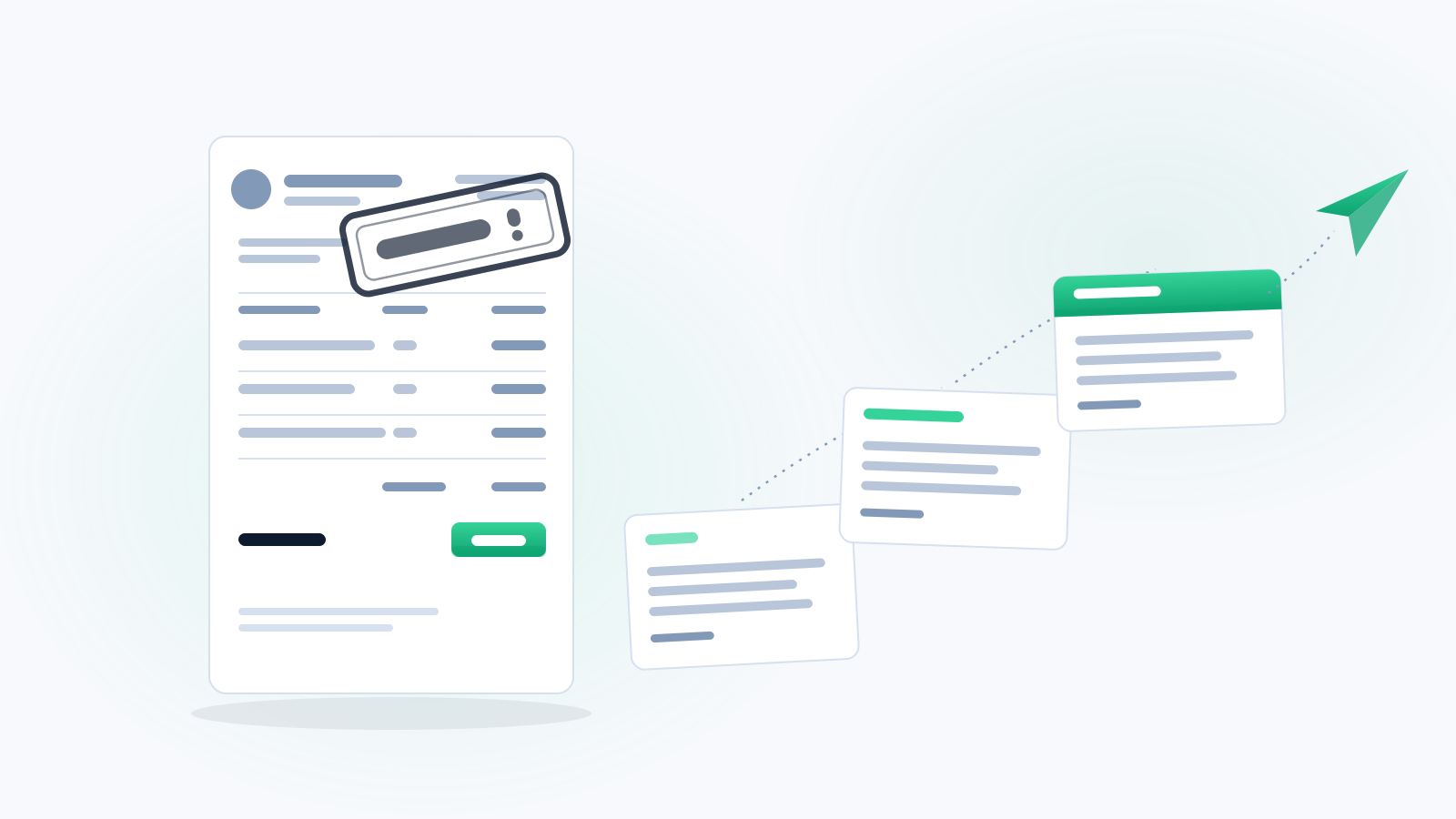
INVOICE TERMS (put this on every invoice)

Payment is due within 15 days of the invoice date.
Pay within 5 days and take 2% off the total.
Balances past due accrue 1.5% per month on the outstanding amount.
Questions about this invoice? give us a call before the due date and we will get it sorted.


REMINDER 1 — three days before it is due (friendly, automatic)

Hi [Name], quick heads up that invoice #[number] for [amount] is due on [date]. Here is the link to pay: [link]. Thanks again for the business. - [Your Business]


REMINDER 2 — the day after it is due (still friendly)

Hi [Name], invoice #[number] for [amount] came due yesterday. It happens, no problem. Here is the payment link: [link]. If something is holding it up, just tell me and we will work it out. - [Your Business]


REMINDER 3 — day 10 past due (direct, still not hostile)

[Name], following up on invoice #[number] for [amount], now 10 days past due. A 1.5% service charge applies to balances past due. Pay here: [link]. If you need a payment plan, give us a call today and we will set one up. I would rather work with you than send this anywhere else.


REMINDER 4 — day 30 (last one before it escalates)

[Name], invoice #[number] for [amount] is 30 days past due and I have not heard back. I need this resolved this week. Pay here: [link], or give us a call today to arrange terms. If I do not hear from you, I will have to send this to collections, and neither of us wants that.


WHAT ACTUALLY FIXES THIS
- Take a deposit before the work starts.
- Keep a card on file and charge it on completion.
- Send the invoice the same day, not on Friday afternoon.
- Automate all four reminders. Never send them by hand, you will not do it.
Most late payments are not people refusing to pay. They are people who forgot. Automated reminders fix most of it without one uncomfortable conversation.
Late fee limits, interest caps and collections rules vary by state and by whether your customer is a business or a consumer. Check your state's rules or ask an attorney before you enforce a late fee.
Runs in your browser. Nothing you type is sent anywhere.
This tool produces a working draft or an organizational aid. It is not legal advice, it does not create an attorney-client relationship, and it does not account for your jurisdiction's rules or deadlines. A licensed attorney in your jurisdiction has to review anything that matters.
You ran this on October 5, 2026. Rates and rules change, so check the date before you rely on a saved copy.
Anybody who invoices and then waits.
Chasing money is the worst job in the business, so it gets put off, and the longer it waits the harder it gets.
Terms plus a written reminder sequence you can automate.
Fill in the details, then read the document once before you send it.
Keep learning
See how this tool fits a practical task, with a guide you can follow at your own pace.
Free forever. I host it. You keep it.
This is a real lead magnet you can run on your own site tonight. Somebody lands on your page, plays with the numbers, sees what their problem costs, and now they are on your website instead of a competitor's. Costs you nothing, and I keep it working.
WordPress, Wix, Squarespace, Shopify, GoDaddy, Webflow, Duda, HubSpot, ClickFunnels, or plain HTML. Anywhere that takes an embed code.
Nothing. No monthly fee, no expiring trial, no watermark you have to pay to remove. If you get stuck putting it in, text me at (903) 500-8898 and I will help you place it.
 FreeBusiness and MoneyCalculatorUnpaid Invoice CalculatorWhat people owing you money actually costsMoney you earned but have not collected is a loan you gave for free. See the size of it, and what a deposit policy w...Calculate it now
 FreeLocal ServicesTemplateEstimate Terms & Deposit LanguageThe paragraph that prevents the argumentDeposit, validity window, change orders, scope, payment terms. The language that goes at the bottom of every estimat...Fill in it now
 FreeBusiness and MoneyBuilderPayment Plan BuilderTurn a scary price into a yesBig number scares customers off. Break it into a deposit and payments, see what you collect and when, and print the ...Build it now
 FreeLocal ServicesTemplateCancellation & No-Show Policy WriterProtect the time you set asideA clear, fair cancellation and no-show policy you can post, put on your booking page, and text before every appointm...Fill in it now
One useful tool is the proof
A five-page site built to capture leads and follow up, in accounts you own. The result is a working site, not a promise of leads.