
Who it is for
Every local business with a physical location or a service area.
Websites and Digital · Scorecard · Free
Review your business details, customer contact options, photos, and review routine. Get a practical checklist from your answers, with no Google login required.
Runs in your browser. Nothing to install. Save the result or embed it on your site.

| # | Next action |
|---|---|
| 1 | Claim and verify the business profile using Google's available verification options |
| 2 | Choose the primary category that best describes the business |
| 3 | Check regular and holiday hours so customers know when they can reach you |
| 4 | Make the phone number match your website exactly |
| 5 | Link your website |
| 6 | Invite genuine customers to leave honest reviews without incentives or selecting only happy customers |
| 7 | Review customer feedback and write useful replies without disclosing private customer details |
| 8 | Add useful, real photos of the business, team, and work you can show with permission |
| 9 | Review photos and replace images that no longer represent the business accurately |
| 10 | List every service with a real description |
| 11 | Write a clear, factual business description within the current field limit |
| 12 | Review published updates, offers, and dates; remove information that is no longer accurate |
| 13 | Answer real customer questions clearly on your website; do not depend on a profile Q&A feature being available |
| 14 | Test the phone and website links. If WhatsApp or SMS is available for your profile, add it only when someone can respond |
| 15 | Test the booking link if appointments apply; otherwise mark it not applicable |
| 16 | Use additional categories only when they accurately describe the business |
| 17 | Review supported product or menu features if relevant; otherwise mark them not applicable |
| 18 | Set the service area to the towns you really serve |
| 19 | Set the logo and cover photo |
| 20 | Tag the website link so you can see the traffic it sends |
This score measures the checklist items you confirmed, not Google's ranking system. Local results depend on relevance, distance, and prominence. There is no promised review count, photo count, or posting schedule that guarantees a position or more calls.
Runs in your browser. Nothing you type is sent anywhere.
Every local business with a physical location or a service area.
An old phone number, wrong hours, or missing service description can stop a customer from taking the next step.
A self-reported checklist score and a clear list of details to review.
Answer honestly. The score only helps if the inputs are true.
Keep learning
See how this tool fits a practical task, with a guide you can follow at your own pace.
Most people looking for a chiropractor never reach your site. They decide from the map result. Score your profile and fix what is costing you the click.
Read the guideA Longview-based guide for East Texas owners: what a local business website must do, what it should cost, and the questions that protect you before you sign.
Read the guideFree forever. I host it. You keep it.
This is a real lead magnet you can run on your own site tonight. Somebody lands on your page, plays with the numbers, sees what their problem costs, and now they are on your website instead of a competitor's. Costs you nothing, and I keep it working.
WordPress, Wix, Squarespace, Shopify, GoDaddy, Webflow, Duda, HubSpot, ClickFunnels, or plain HTML. Anywhere that takes an embed code.
Nothing. No monthly fee, no expiring trial, no watermark you have to pay to remove. If you get stuck putting it in, text me at (903) 500-8898 and I will help you place it.
 FreeSales and MarketingQR toolGoogle Review Link + QR MakerOne tap to your review pageTurn your Google Business Profile into a direct review link and a printable QR code. Put it on receipts, counters, i...Make it now
 FreeSales and MarketingGeneratorGoogle Business Post WriterFree real estate most businesses never useDraft four updates from your business details. Review every claim, current offer and destination before publishing t...Generate it now
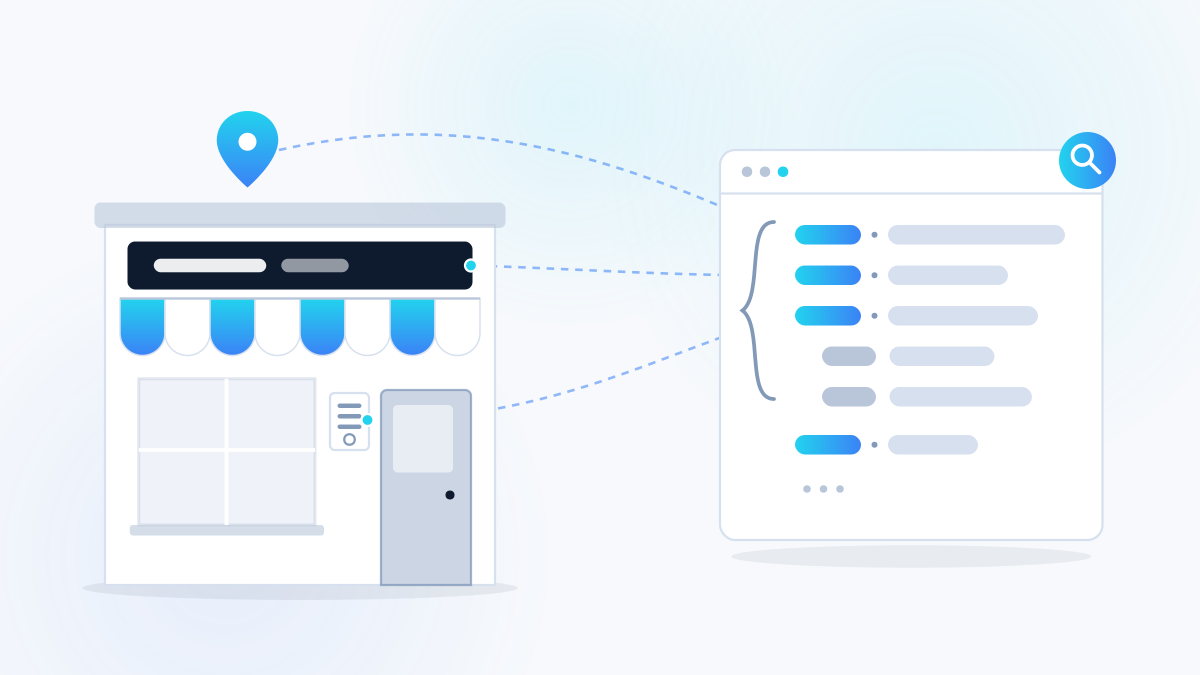 FreeWebsites and DigitalGeneratorLocalBusiness Schema GeneratorTell Google exactly who you areGenerates the structured data code that tells search engines your name, address, phone, hours, service area and rati...Generate it now
 FreeWebsites and DigitalScorecardWebsite ScorecardScore your site in two minutesTwenty self-reported checks to help review whether a visitor can understand and contact your business. Pull your sit...Score it now
One useful tool is the proof
A five-page site built to capture leads and follow up, in accounts you own. The result is a working site, not a promise of leads.